home / features
features
Everything AskFletch does, on one page.
Everything the AskFletch website chat does, grouped by what it's for: answering your visitors, sending you leads, keeping you in control, and connecting to your website and systems. One line each.
answers
It answers like someone who's read your whole website.
Day or night, from what's actually on your site. And when it shouldn't answer, it doesn't.
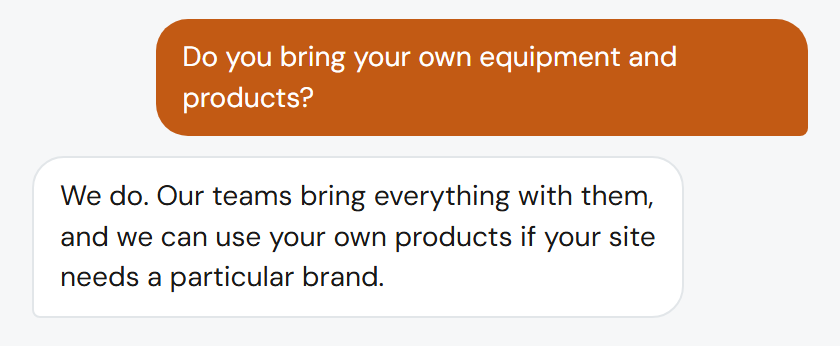
Answers from your website
It reads every page of your site and answers from what's actually there.
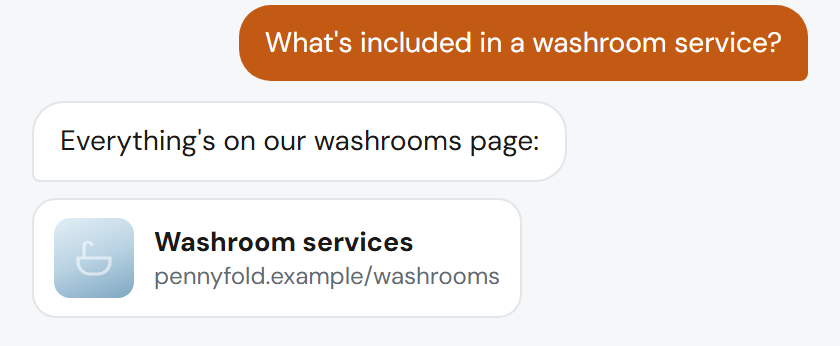
Points people to the right page
The page that covers what they asked about appears in the chat as a card.
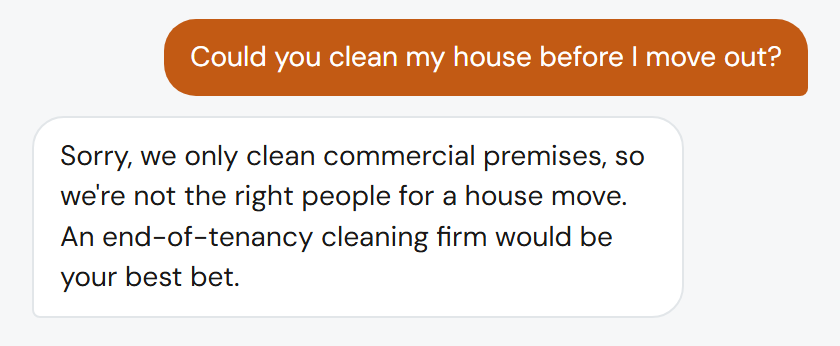
Turns away work you don't do
It says so kindly, suggests where to go instead, and keeps them out of your inbox.
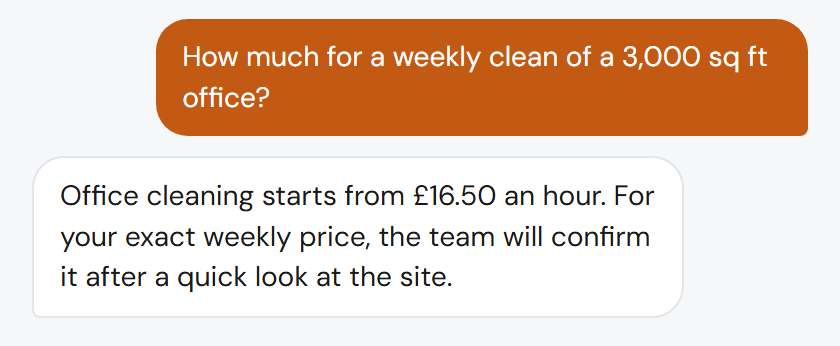
Never makes up a price
It only quotes figures you've approved. Anything else is "the team will confirm".
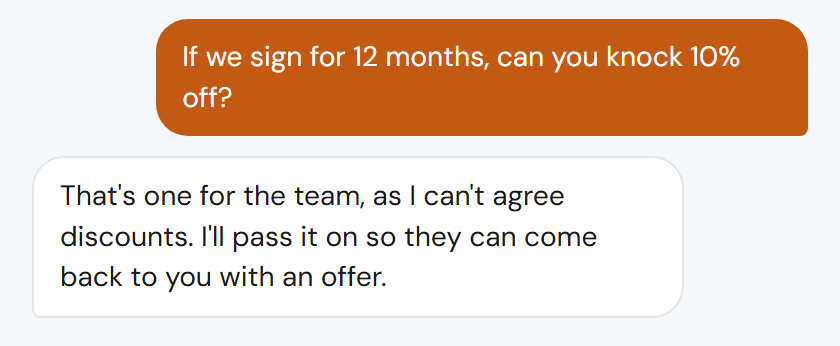
Never promises on your behalf
It never agrees a price, a date or a deal for you. Those come to you.
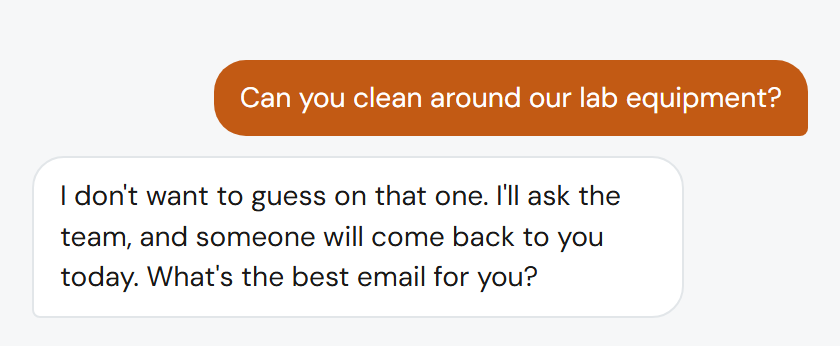
Honest when it doesn't know
It says so, takes their details and emails you the question.
next steps
It doesn't stop at an answer. It moves the enquiry on.
Most chats answer a question and leave it there. AskFletch ends each conversation with a next step that suits the visitor and your business.
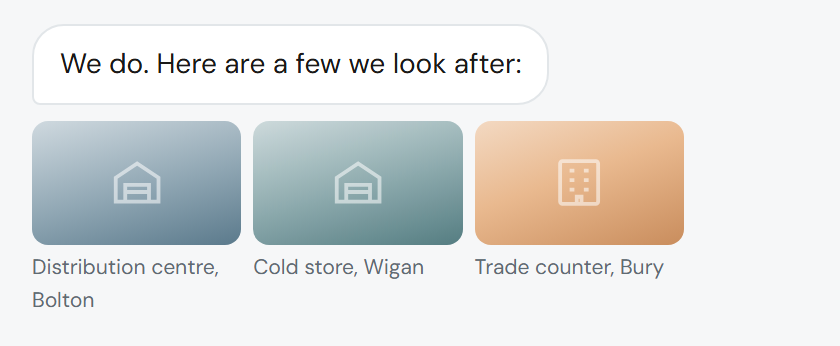
Shows your work
A gallery of your projects, products or past jobs, right in the conversation, when that helps someone decide.
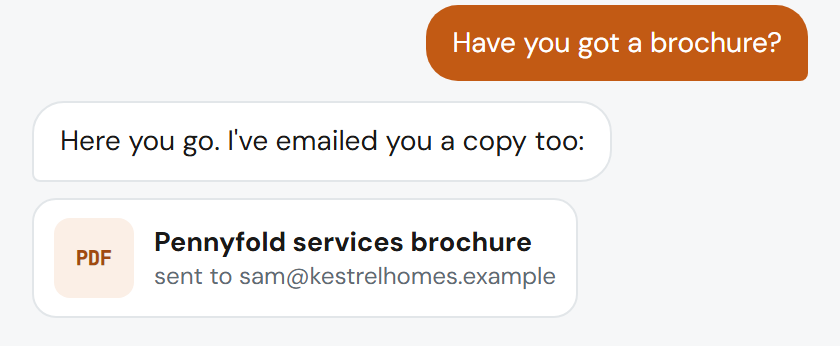
Sends your brochure
When someone wants the detail first, it sends your brochure and passes you the enquiry.
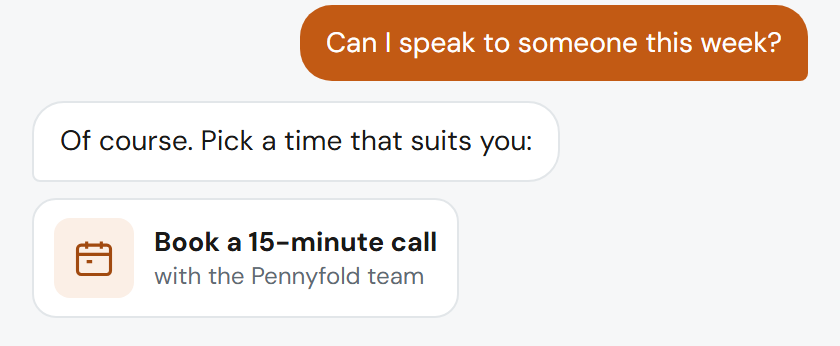
Books a call
Visitors who are ready to talk can book a call there and then, instead of waiting for a callback.
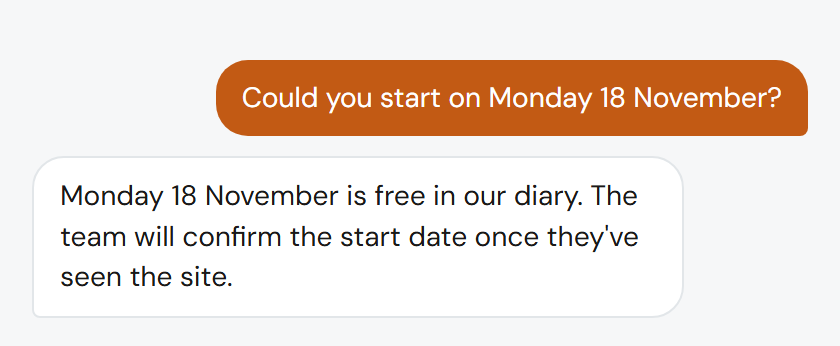
Checks your availability
It checks your calendar and suggests times you're actually free.
on connected
Custom workflows
Several goals and branches in one conversation, built with you for enquiries that need more than one route.
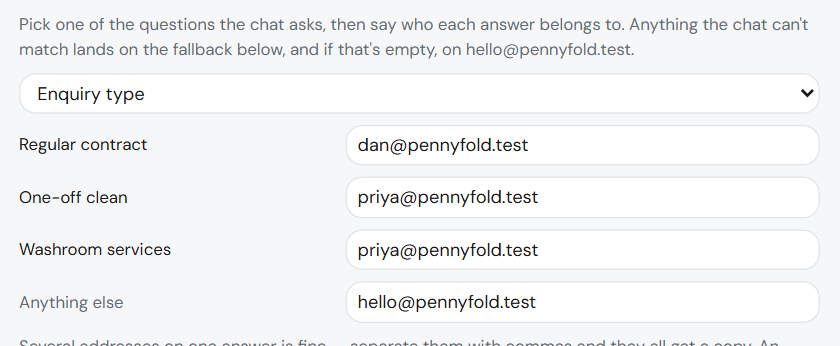
Routes each enquiry
By what happened in the chat: a booked call to one person, a brochure request to another, a quote to whoever prices the job.
leads
Every lead arrives researched and ready to call.
Not a name and an email. The details you'd have asked for, and who they are.
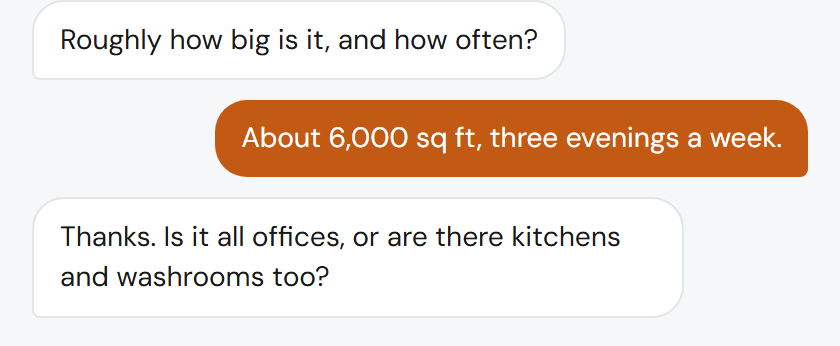
Asks what your team would ask
Sites, sizes, how often, the specification: whatever you need before you can quote.
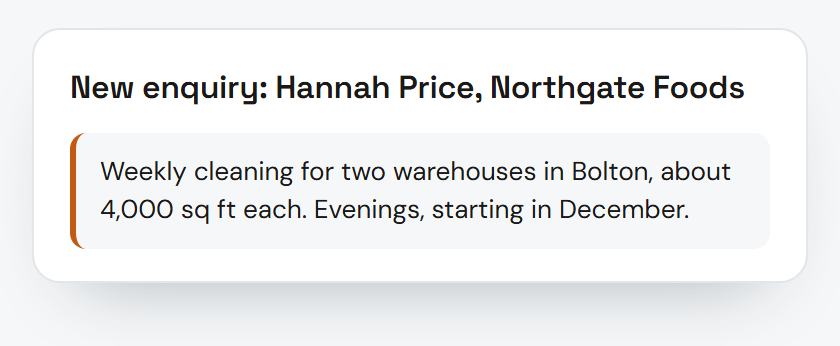
The enquiry in two lines
What they want, with the details your team would ask for, at the top of the email.
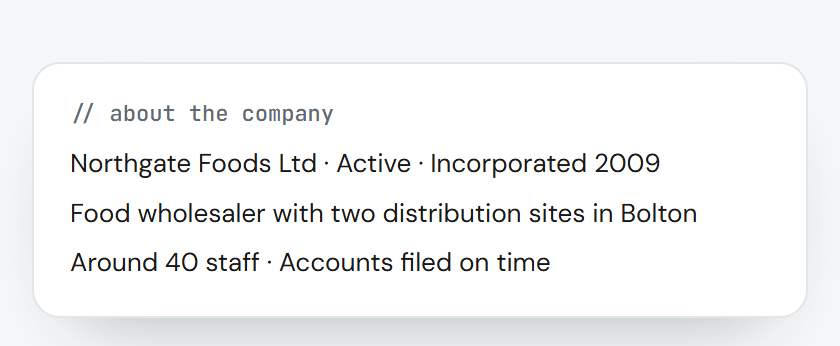
Company research
Companies House and their own website, summarised, before you pick up the phone.
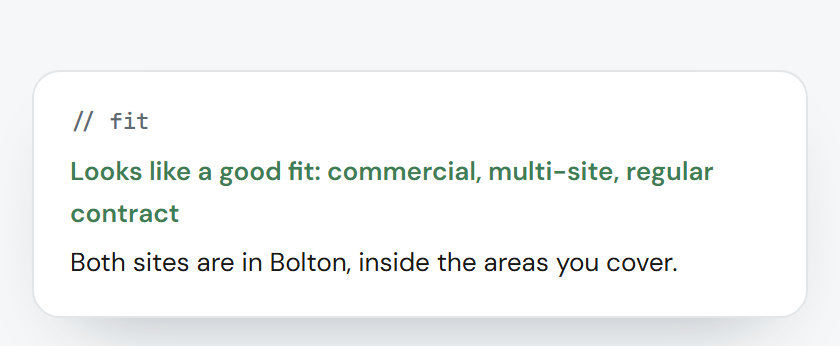
A fit note
Whether they look like a good fit for the work you want, and why.
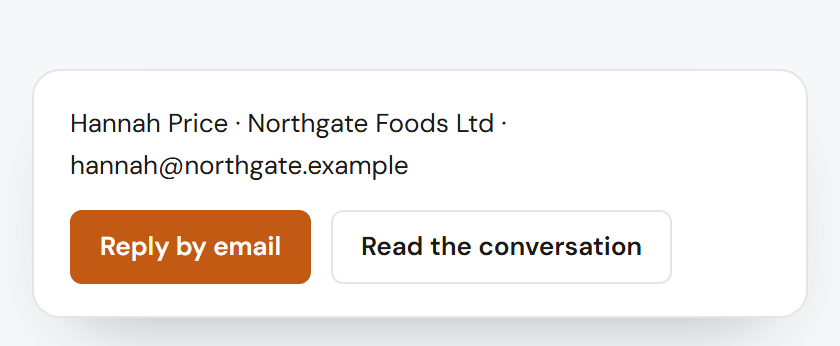
Reply in one click
Reply by email straight from the lead, or read the whole conversation first.
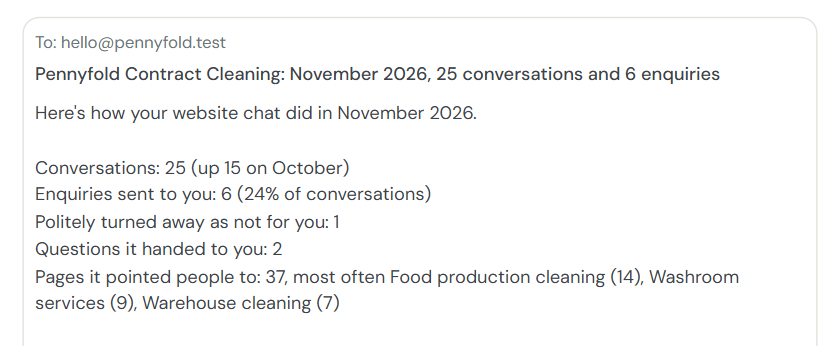
Monthly performance summary
Once a month, a summary of how it's doing.
coming soon
Analytics
How many people it talked to, what they asked and what came of it, in your dashboard.
control
You decide what it says, and it learns from you.
Nothing about how it behaves changes without you.
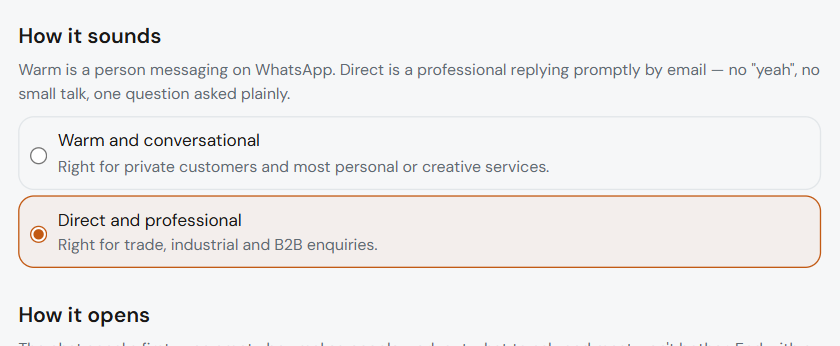
Your tone
It answers in the tone you choose.
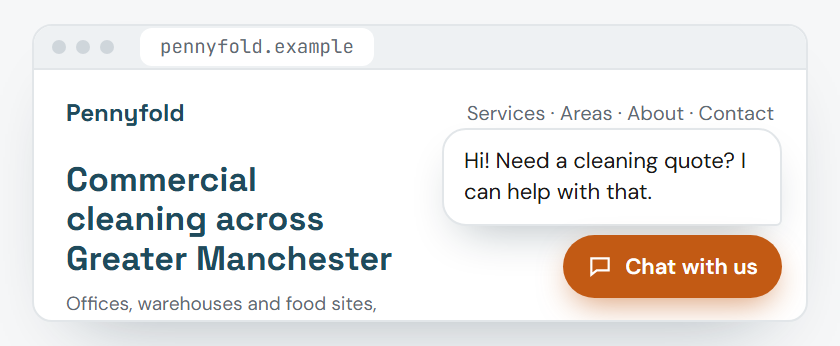
How forward it is
A short hello, opening itself, or waiting quietly. It speaks up once a visit at most.
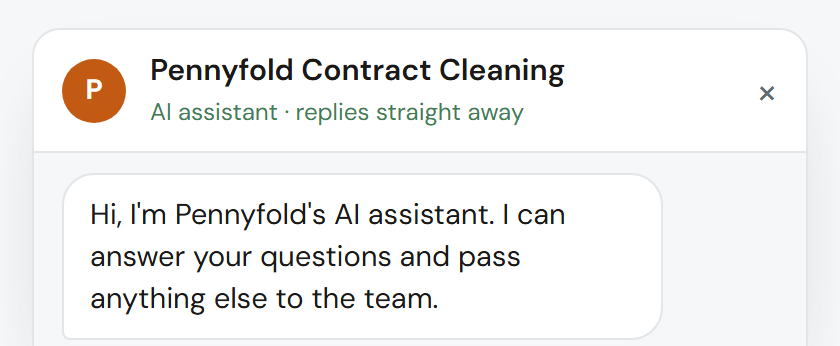
Always says it's an AI
Visitors always know they're talking to an AI.
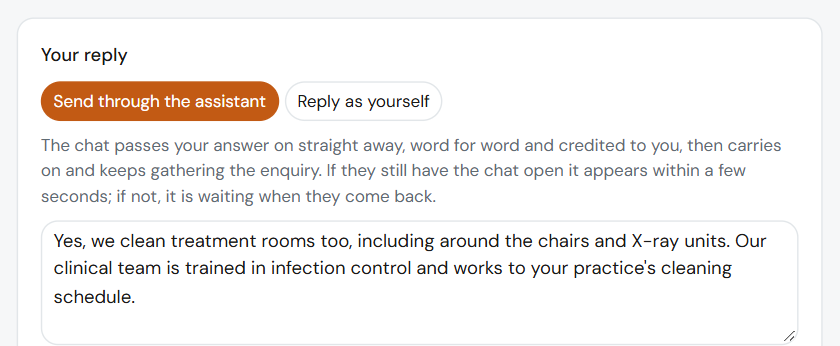
Answer once, and it knows
Answer a question from your dashboard and it uses your answer next time.
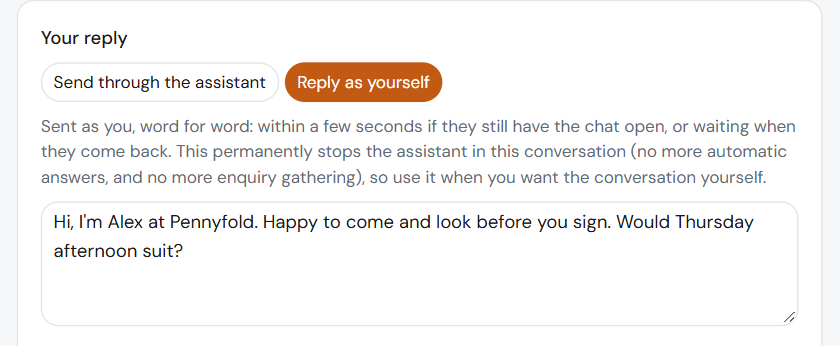
Step into a conversation
Take over from your dashboard when you'd rather reply yourself.
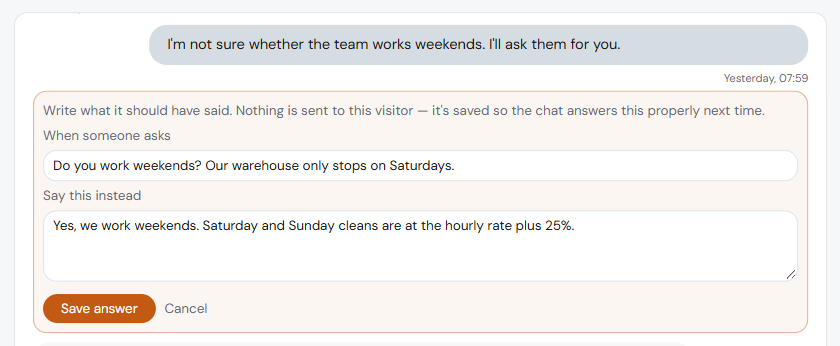
Fix this reply
Correct a reply it got wrong, and it uses your correction.
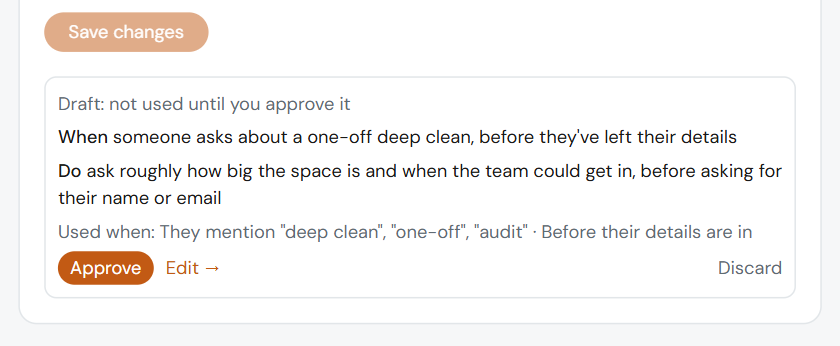
Ratings and lessons
Rate a conversation, say what it should have done, and approve the lesson.
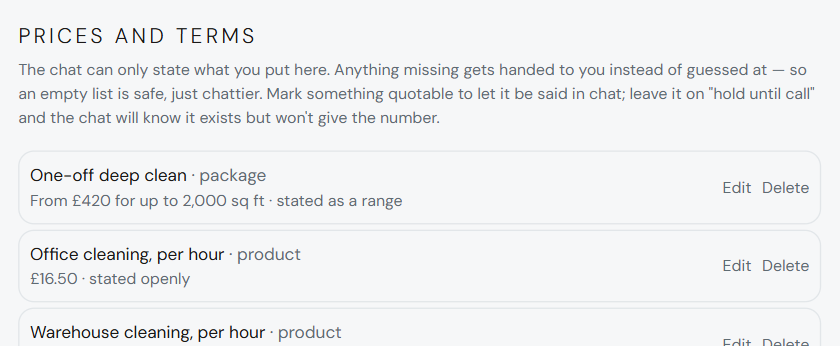
Change it whenever you like
Its answers, what it turns away and the prices it may quote, from your dashboard or by asking us.
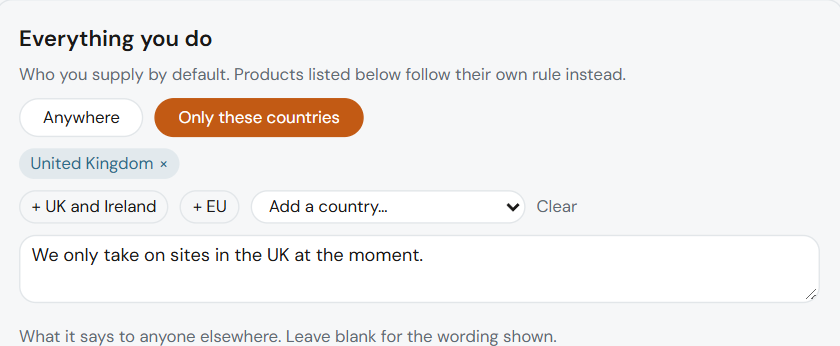
Geo-fencing
Only take enquiries from the areas you cover, for the whole business or just for particular products and services.
Your visitors' details stay yours
Handled only to deal with the enquiry, under a data processing agreement, and never sold.
connections
One line on your website. Leads wherever you need them.
It fits the website you already have. On Connected, leads can go straight into your other systems too.
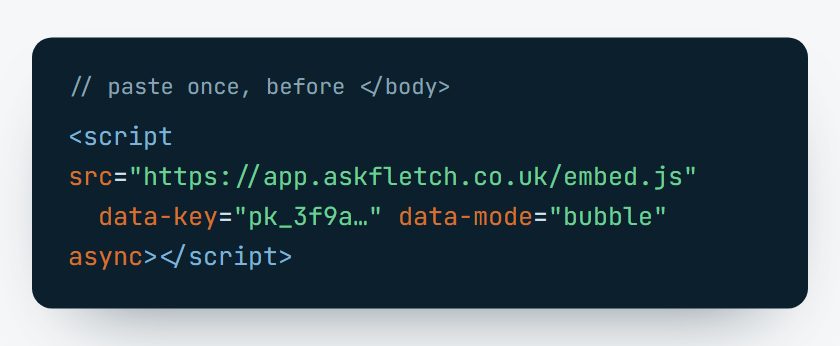
Works on any website
One line of code on WordPress, Squarespace, Wix, Shopify, Webflow or a hand-built site.
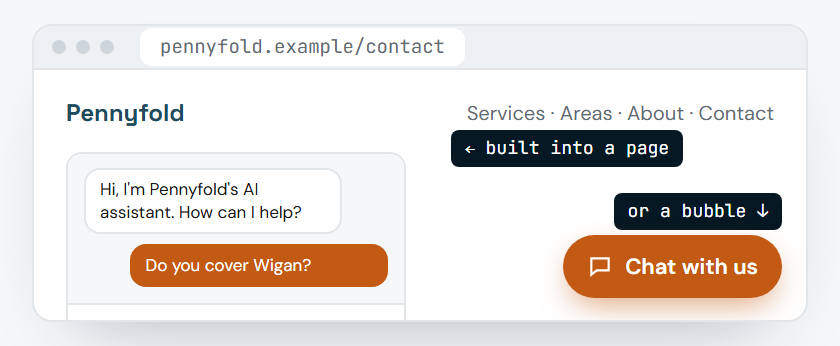
A bubble, or built into a page
In the corner of your site, or as part of a page you choose.
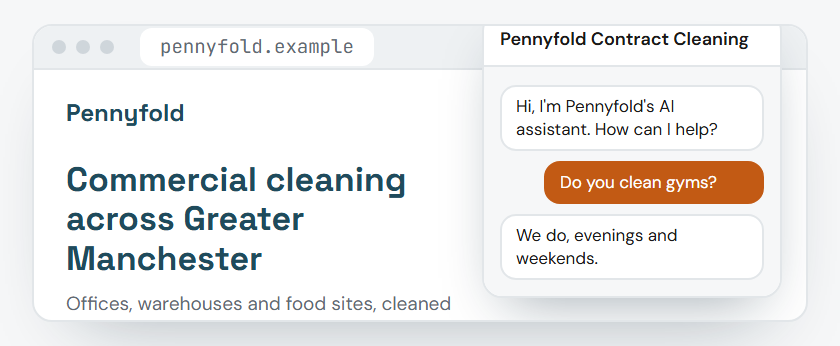
We'll install it for you
If you'd rather not touch your website, we'll add the line for you.
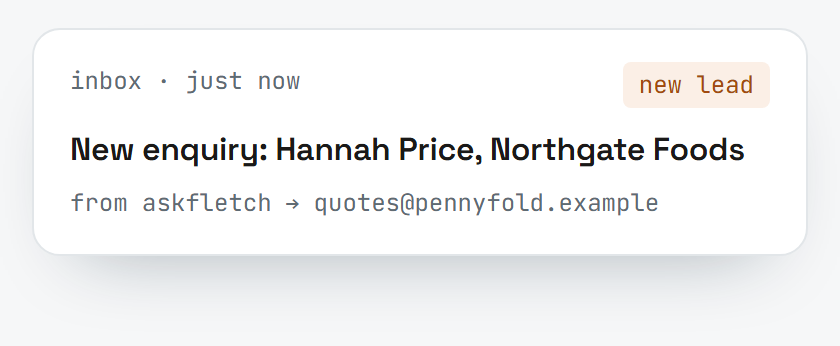
Leads by email
Every lead goes where you agreed enquiries should go.
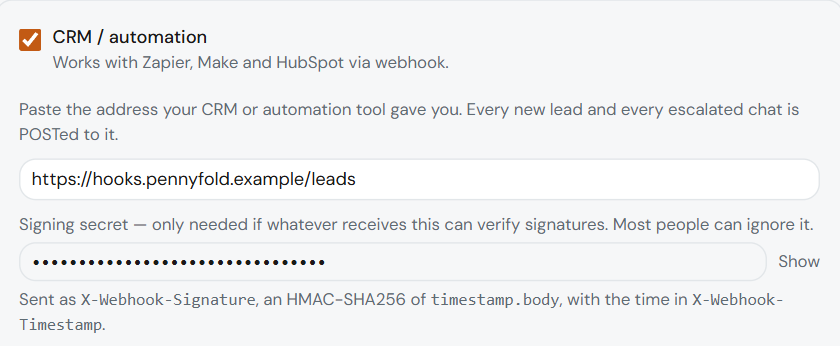
on connected
Webhooks
Send leads to Zapier, Make and others, and on into the tools you already use.
on connected
More than one website
Run AskFletch on more than one of your websites.
on connected
Priority support
Priority support from the Fletcher Digital team.
plans
Pro has everything above. Connected adds four things.
The AI running costs are included in both. Setup is included on a 12-month term, or £249 once on a rolling monthly plan.
see it working
A list only goes so far. See it in action.
Ask our own chat, or watch one enquiry for a business like yours, step by step: the questions it asks, the work it turns away and the lead you get.